Skip to content

Developer

Welcome Kaleidoscope 5

  • Florian 

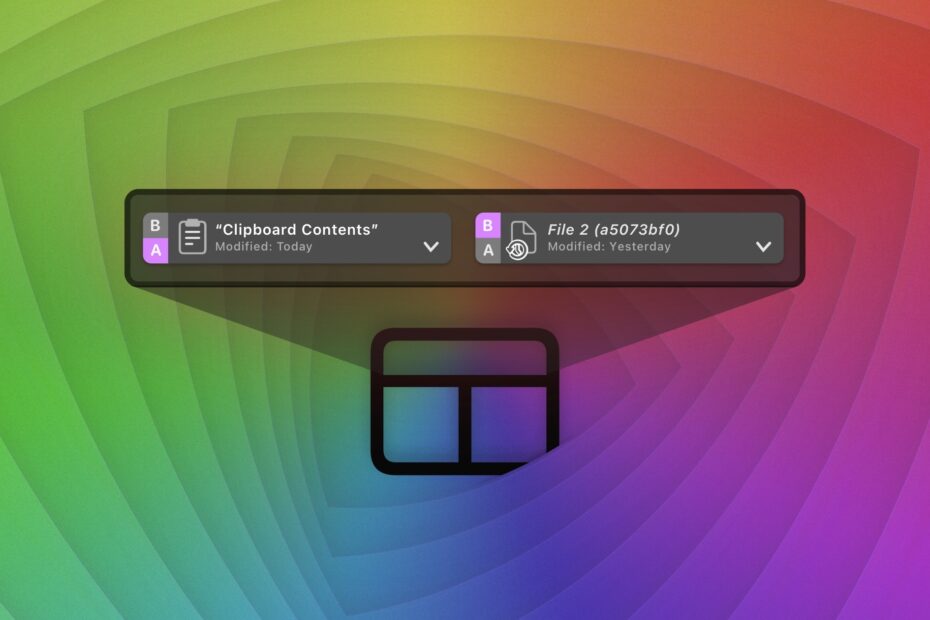
Today we are proudly introducing Kaleidoscope 5! This update represents another big milestone. While we had started to integrate Git over the last few releases, Kaleidoscope 5 is reaching a new level, enabling you to dig into the history of your coding projects like never before.

Why to (not) use –dir-diff with git difftool?

The topic of today sounds pretty technical, but it is one that has a great impact on your work, if you are a developer using Git. This post outlines two fundamentally different methods for examining Git changes with Kaleidoscope. An appendix illustrates how to combine your Git app of choice with either method.

The Cure for Merge Madness

  • catlan 

Following the addition of Git File History in Kaleidoscope 4.1, in this latest update we wanted to tackle merge conflicts by adding more context provided by Git. New tools enable you to understand conflicts better and thus resolve them faster.

Kaleidoscope 4.1 and Git

  • Florian 

With the first major update to Kaleidoscope 4, we are entering completely new territory: Kaleidoscope can now directly talk to Git. While Kaleidoscope could always integrate with Git, until now it could only show the results of a Git operation, such as git difftool and git mergetool, which was typically initiated through a Git client like Tower. For the 4.1 update, we decided to focus on the ability to display and compare multiple revisions of a file.

Code Review of Feature Branches

  • catlan 

A common workflow in Git is to use feature branches, where work is focused on one specific task. The Changeset functionality in Kaleidoscope helps you see exactly what has been done in a feature branch.

Mac App Store and investing engineering time

  • catlan 

Today I’d like to share some insight in what I consider a mistake I made in investing our engineering time. Running a business is hard, and there aren’t always perfect solutions or ideal situations.