
Skip to content

Feature

Welcome Kaleidoscope 5

  • Florian 

Today we are proudly introducing Kaleidoscope 5! This update represents another big milestone. While we had started to integrate Git over the last few releases, Kaleidoscope 5 is reaching a new level, enabling you to dig into the history of your coding projects like never before.
Conquer multi-file comparisons – Kaleidoscope File Shelf, Part 1

  • Florian 

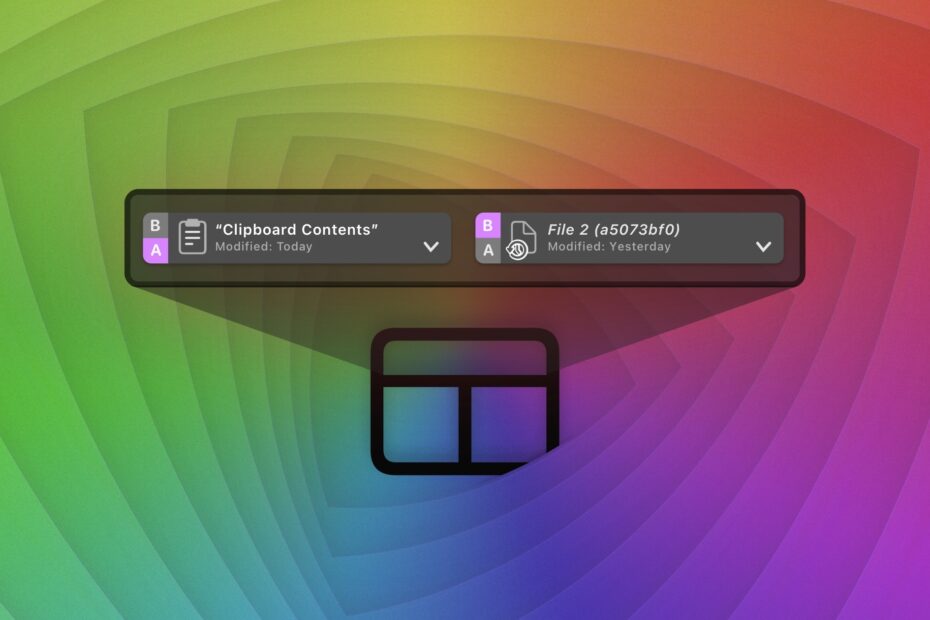
You might never have noticed that Kaleidoscope has a thing called File Shelf. In this two-part series, we’ll show how you can use it, including some advanced examples.

Part 1 explains how to conquer multi-file comparisons using the File Shelf and the Navigation menu.

The Cure for Merge Madness

  • catlan 

Following the addition of Git File History in Kaleidoscope 4.1, in this latest update we wanted to tackle merge conflicts by adding more context provided by Git. New tools enable you to understand conflicts better and thus resolve them faster.

Kaleidoscope 4.1 and Git

  • Florian 

With the first major update to Kaleidoscope 4, we are entering completely new territory: Kaleidoscope can now directly talk to Git. While Kaleidoscope could always integrate with Git, until now it could only show the results of a Git operation, such as git difftool and git mergetool, which was typically initiated through a Git client like Tower. For the 4.1 update, we decided to focus on the ability to display and compare multiple revisions of a file.

Kaleidoscope Prism

Kaleidoscope 4 comes with an entirely new companion app called Kaleidoscope Prism. By default, it launches along with Kaleidoscope and remains running, so you may have noticed a new icon sitting quietly in your menu bar. Kaleidoscope Prism can change the way you work, with new options for starting and adding to comparisons, even if Kaleidoscope isn’t currently open.

Edit comparisons on the fly in Kaleidoscope 4

  • Florian 

Quite a few users over the years have told us they need to be able to add new text into comparisons. Kaleidoscope 4 adds that ability by allowing you to convert any comparison into a merge that can be edited.

Text Filters in Kaleidoscope 4

  • Florian 

Text filters reduce visual noise in a text comparison, noise that distracts from the differences you do care about. They are useful in a lot of scenarios, in particular when dealing with generated text like logs or files that contain “random” data, like timestamps or identifiers.

Code Review of Feature Branches

  • catlan 

A common workflow in Git is to use feature branches, where work is focused on one specific task. The Changeset functionality in Kaleidoscope helps you see exactly what has been done in a feature branch.